Showcase - Ecosystem vulnerability to invasive and alien species
Showcase - Ecosystem vulnerability to invasive and alien species, Sezione: Taverna workflow | LifeWatch Italy Training Platform
Pagina home del corsoTaverna workflow
-
Taverna workflow
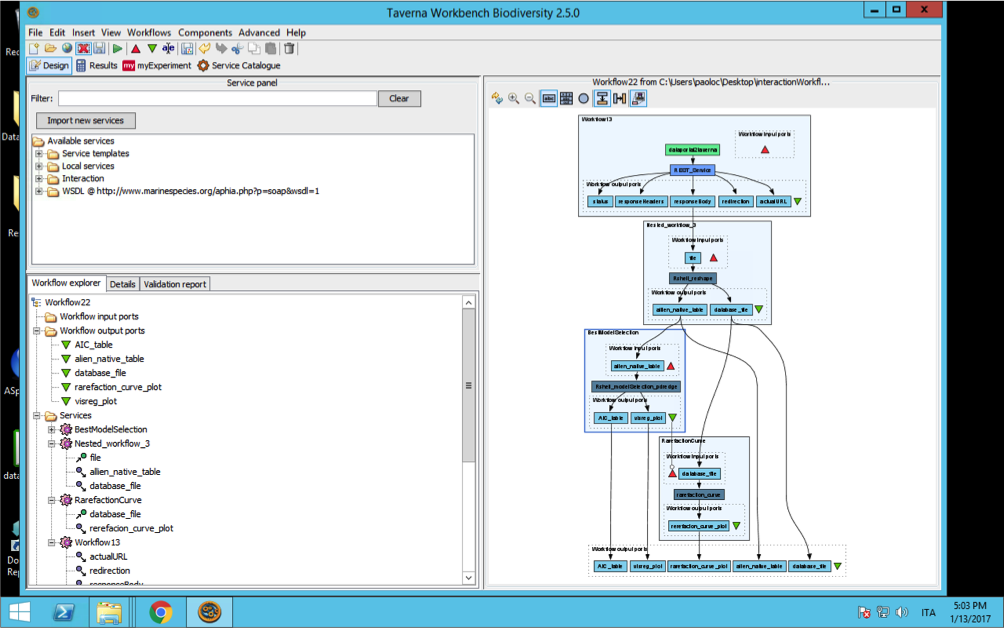
In order to use the statistical workflow in Taverna, the R script was subdivided in its main components that were successively incorporated in Taverna as a set of 4 sub-workflows. These sub-workflows were then concatenated to replicate the analyses provided by Corriero et al. (2016). The authors could change the order of the sub-workflows, remove one (or some of them) to customize the workflow according to the aim of his/her research aim. In the next future, new modules will be available.
Open Taverna and start the workflow.
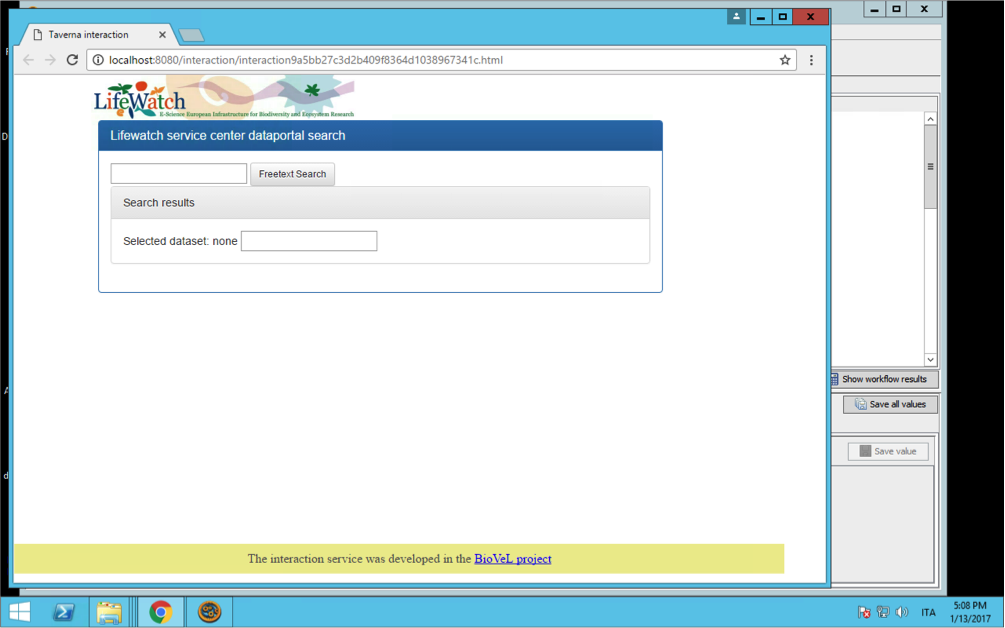
After starting the workflow, Taverna will open a web application in the browser, by means of which the user can interact with the LifeWatch data portal making a query, obtaining a list of matching datasets with related metadata and selecting the one he/her is interested in.
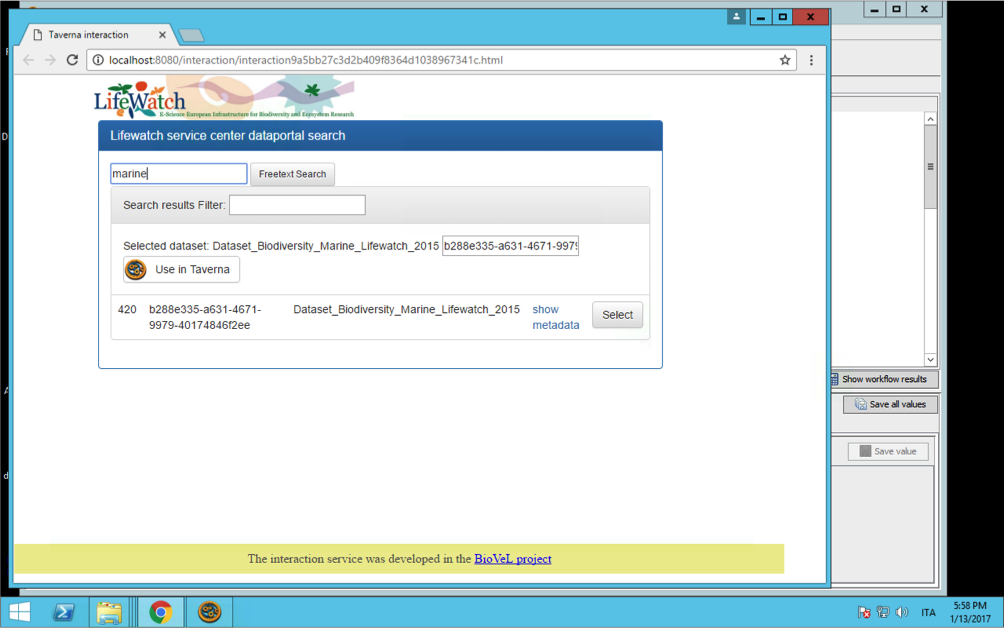
After choosing the dataset the user can press on the button “Use in Taverna” and close the browser.
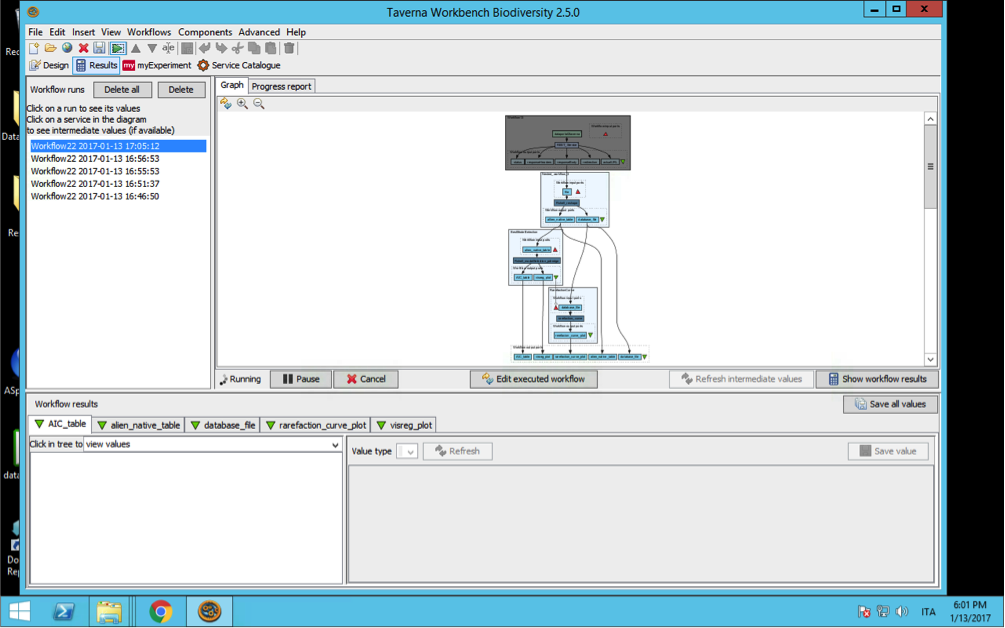
From this moment no more interactions are required to the user and the workflow will automatically perform 3 main tasks:
1) reshape the dataset in order to obtain alien species and native specie richness for each family at the habitat and site level. If more that 1 EUNIS habitat is present in a site the richness will be calculate for the two (or more that 2) habitat In the site,
2) Best model fitting model selection. This subworkflow calls a set of R functions from the packages lme4 and MuMIn. Initially a full GLMM model is calculated including both richness and level-1 EUNIS habitat as fixed factor. Subsequently reduced models are calculated and compared with the full model using the Akaike Information Criteria (AIC). The model showing the best AIC is used to create the output (tables and graph),
3) Finally, a sub-workflow takes information from the reshaped dataset and plots rarefaction curves.
<