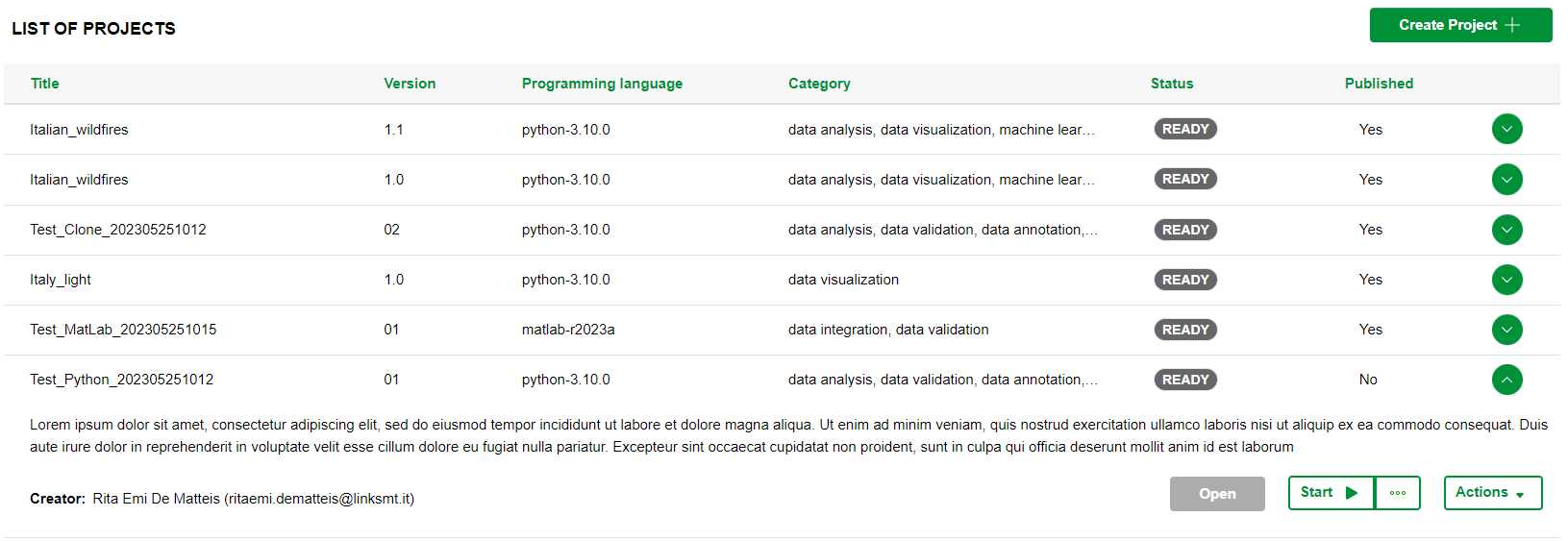
1. Project dashboard
The List of Projects page is organized into two sections:
- the first dedicated to search bar (not dependent on the role);
- the second containing the list of projects for which is allowed to display depending on the user’s role. Further details are described in this paragraph.
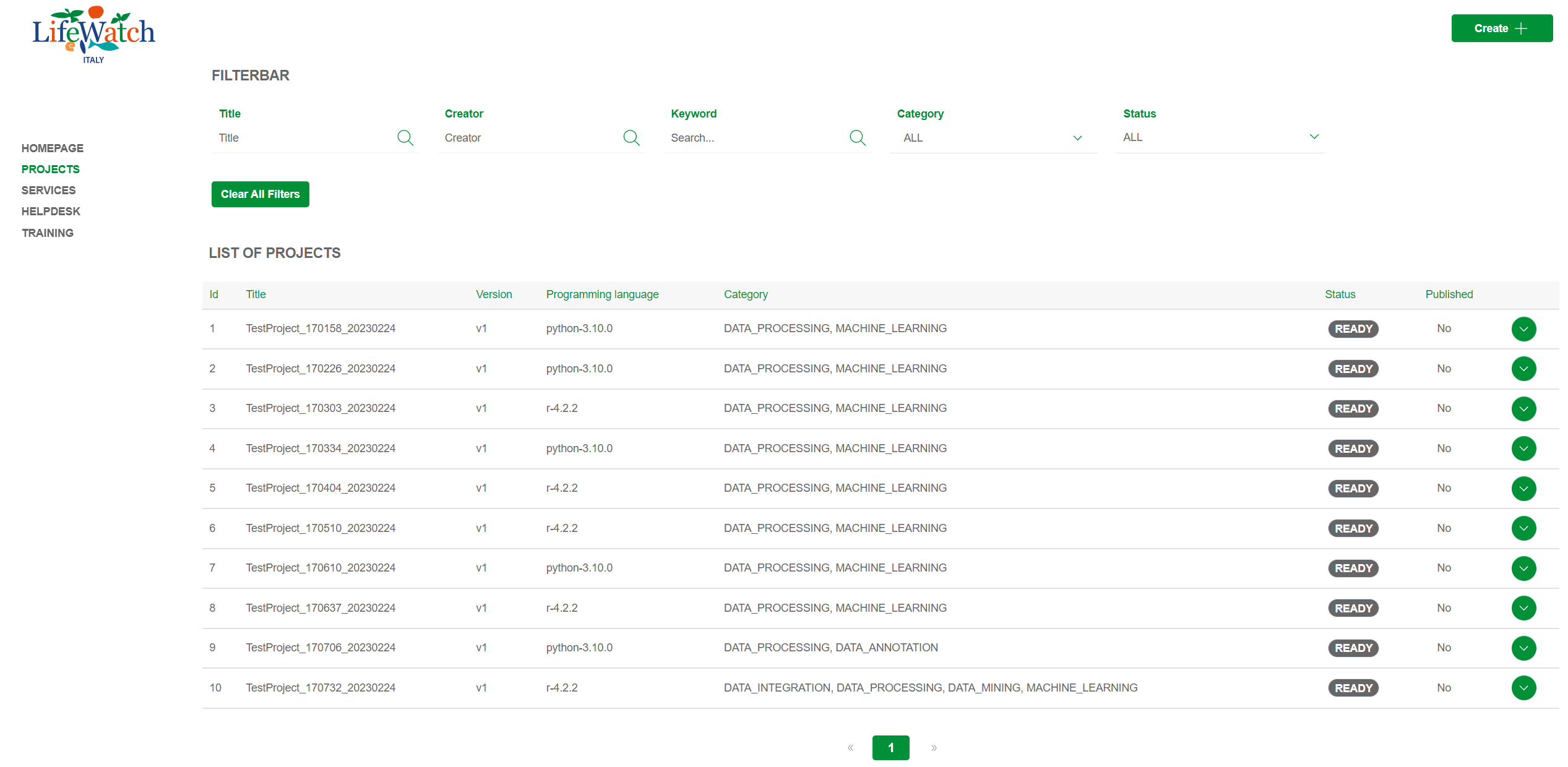
Search bar
The filters are foreseen about this fields:
- Title
- Creator
- Keyword
- Category
- Status
In particular:
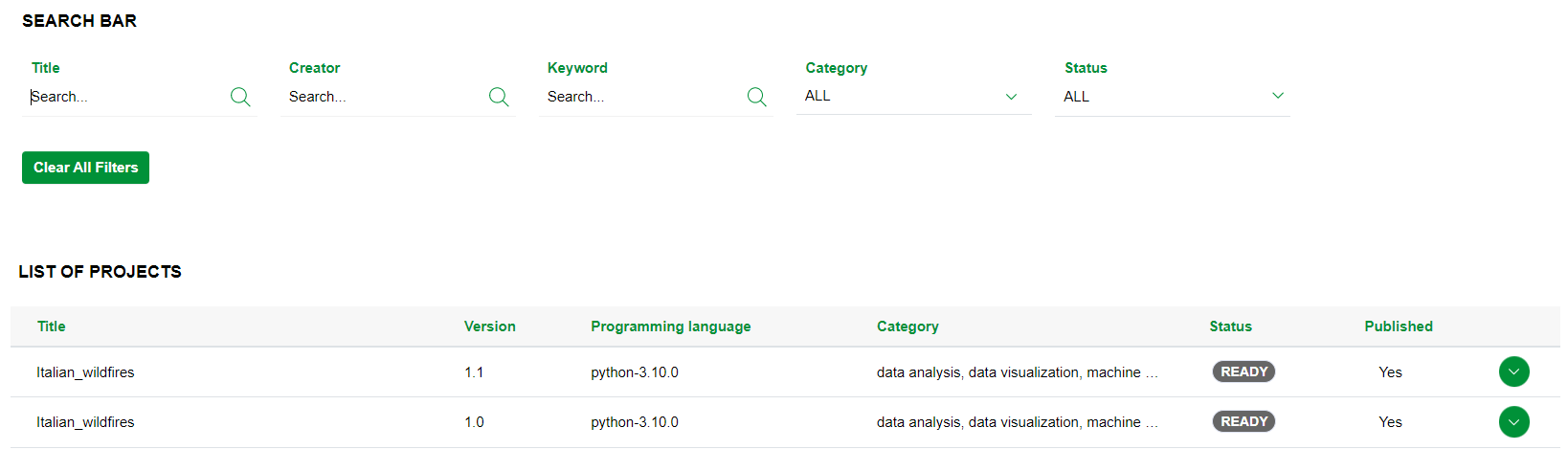
- for the filter "Title", "Creator" and "Keyword", the system performs a case-insensitive search for items in the list; it is enough typing some characters in the input field to search, as shown in the example below:
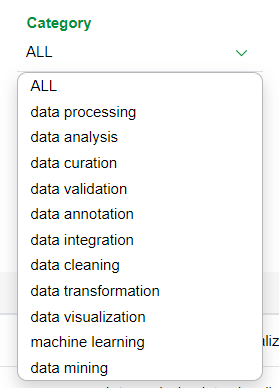
- for the other two (Category, Status), the system allows you to filter the options in the drop-down menu to quickly find something; it is need a click open the drop down menu and select one or more items to search, as shown in the example below:
|
|
|
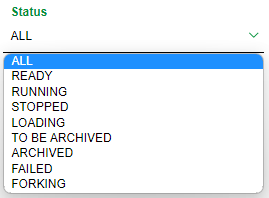
To remove the filter(s) previously inserted, it's need:
- click on button Clear all filters to remove all filters entered.

List of projects
As anticipated, the list of projects (filtered by role) is viewable by all users who access to the platform; in particular, please note that:
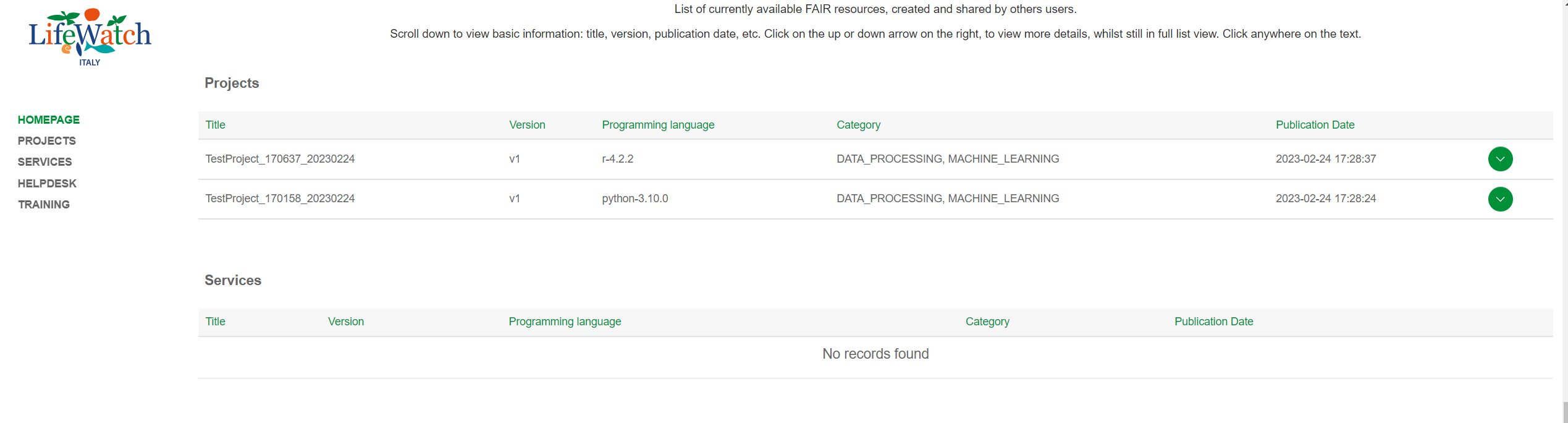
- if the user is not logged in, only projects published are displayed
- if the authenticated user has Researcher role, all projects created, or for which is a collaborator, are displayed
- if user logged has Administrator or Reviewer role, all projects created within platform are displayed.
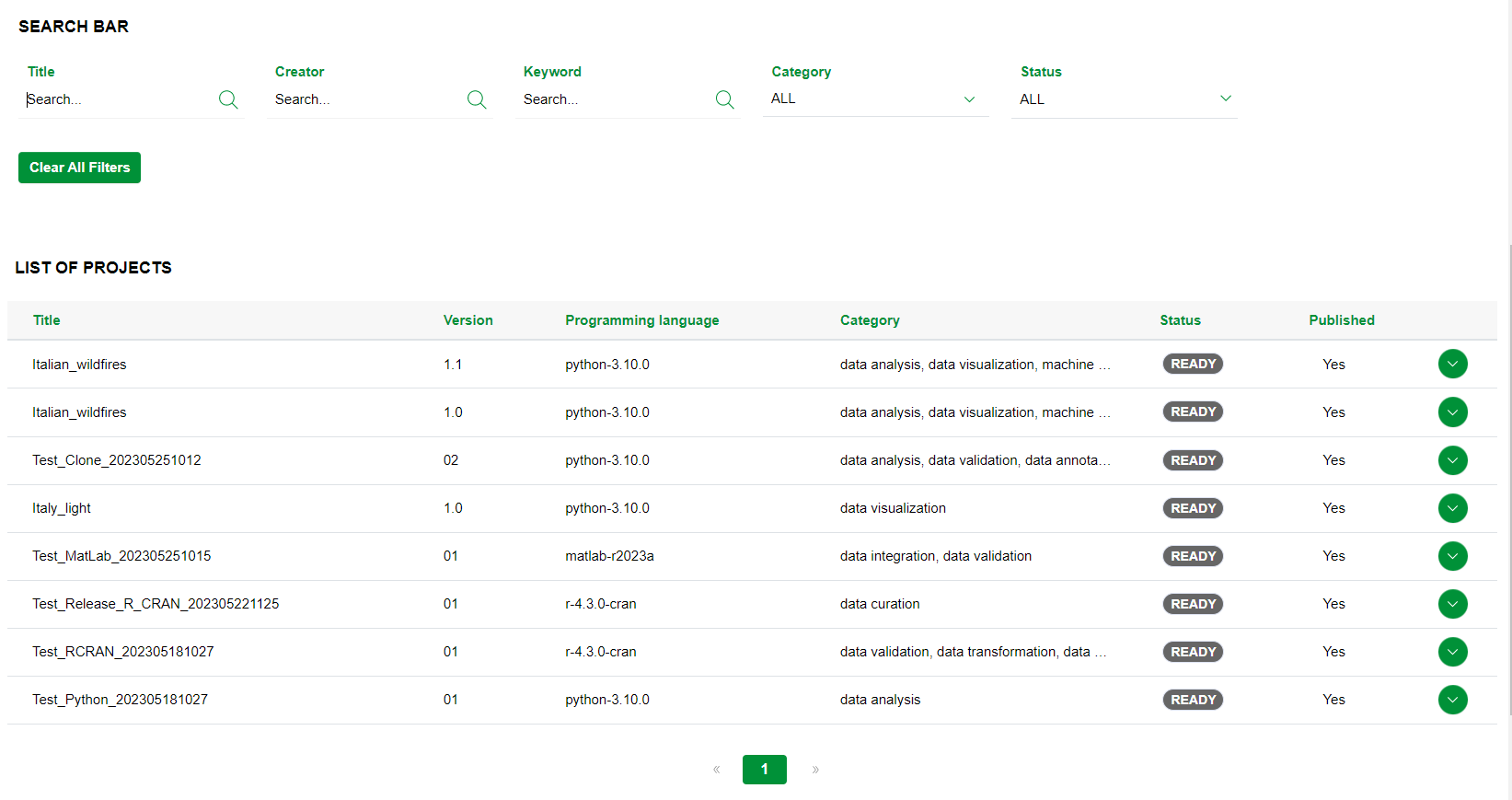
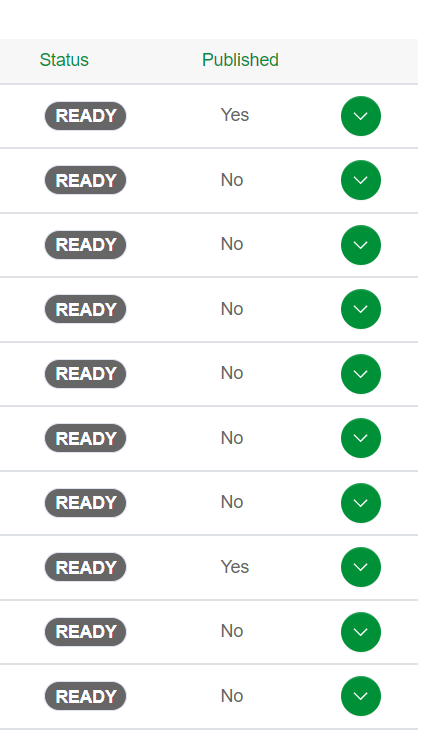
In addition to data previously detailed for the homepage, in the table of the List of Projects are shown two additional columns; in particular:
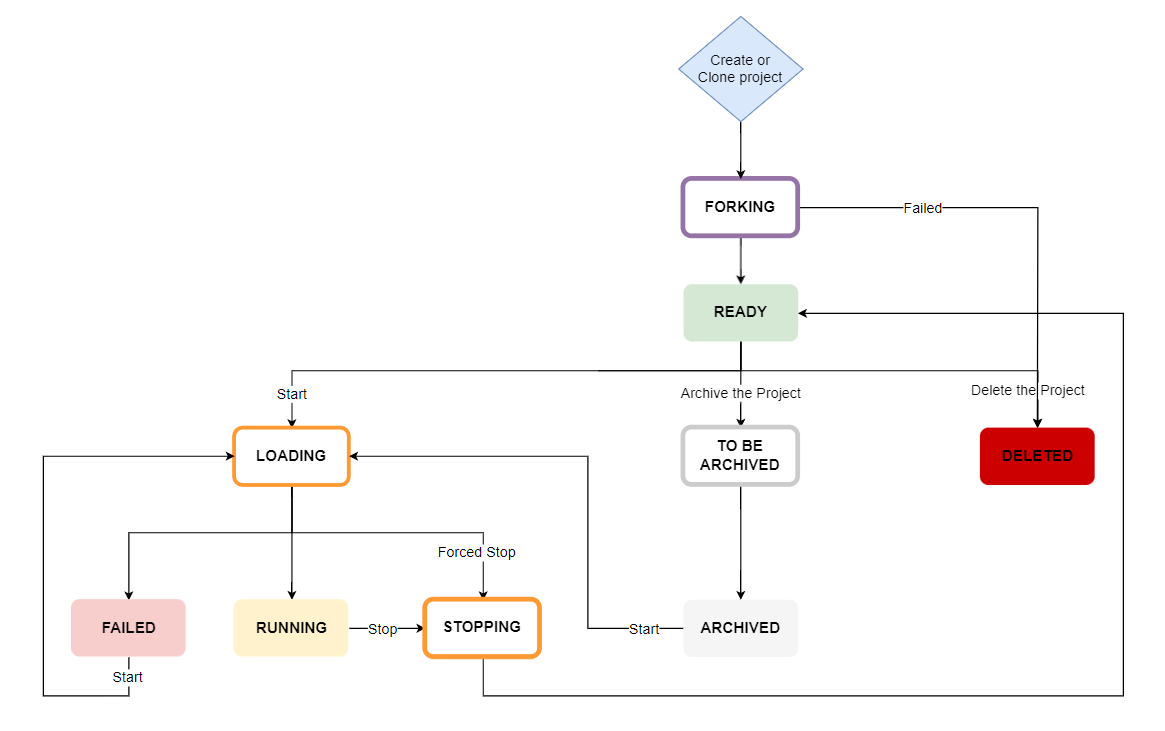
- Status: field that indicates the project status, specifically:
- Forking: the creation/cloning, that is forking, process is in progress
- Ready: the Integrated Development Environment (IDE) is ready to be started
- Loading: the Integrated Development Environment (IDE) is loading
- Running: the Integrated Development Environment (IDE) is in use
- Stopping: the Integrated Development Environment (IDE) is stopping
- Failed:the Integrated Development Environment (IDE) is failed
- To be archived: the project ready to be archived
- Archived: the project is archived
- Deleted: the project is deleted
Hereafter, the representation of the project flow:
- Published: field that identifies if the resource is published or not into the platform; that is the column shows:
- Yes, if the project is published in the platform
- No, if the project is not published in the platform.
Actions bar
As already anticipated in the Homepage paragraph, if you click on the button for opening the accordion, the system allows viewing of some fields (Abstract and Creator) and the action bar which collects the actions available for the project depending on the user’s role.