2. Service mode
Completion requirements
Automatic execution
In Service mode it is possible to execute only the main notebook ‘index.ipynb’.
You can see execution details, updated during execution, statically on the Dashboard.
Resources monitoring
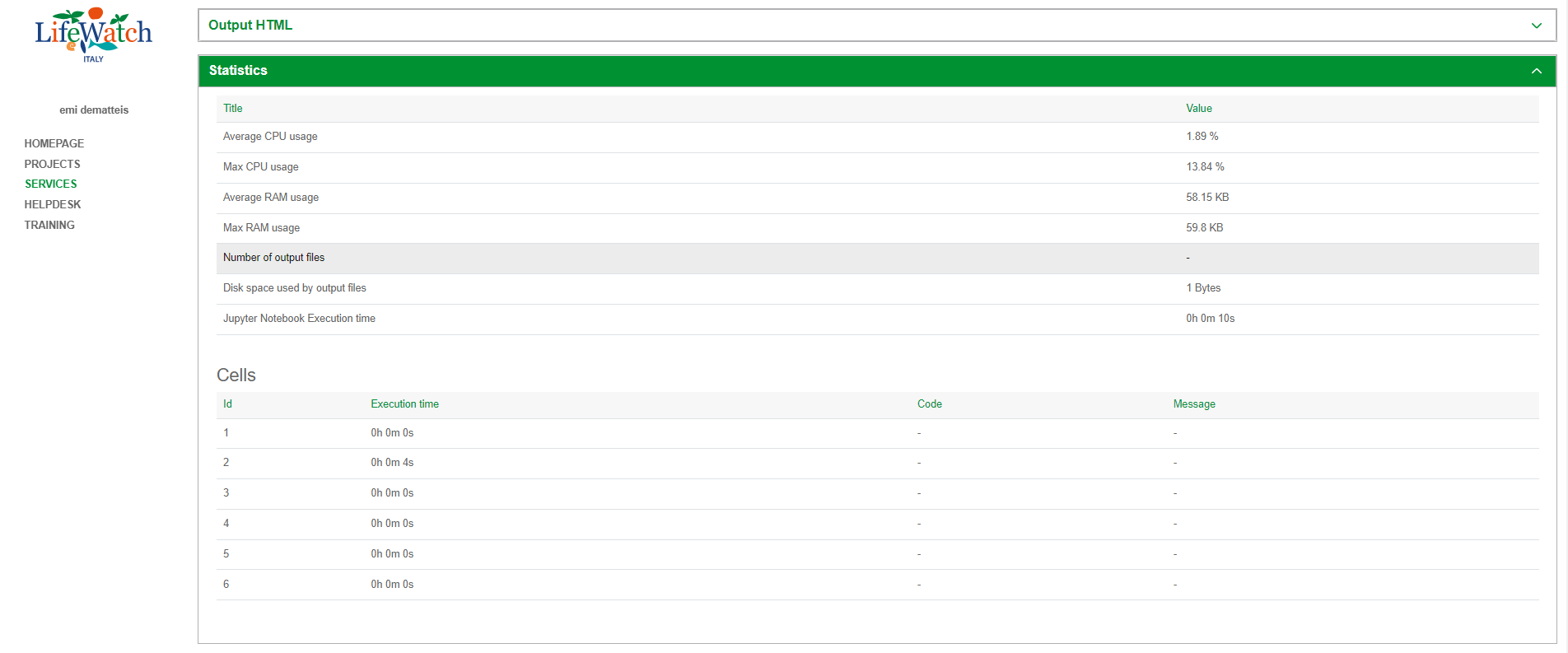
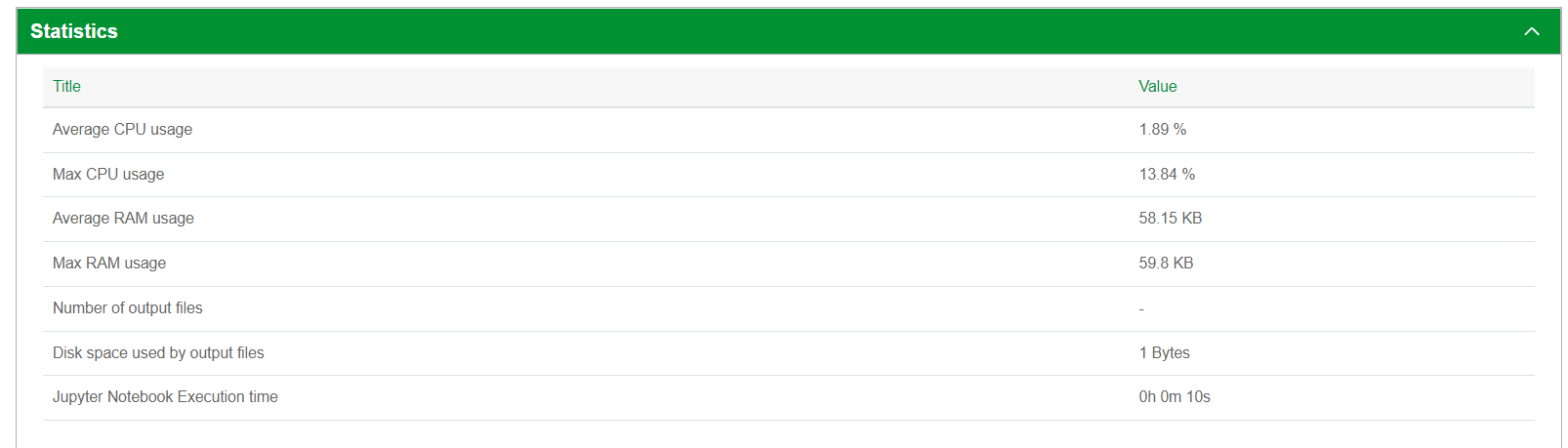
In Service mode, into Statistics section, information related to the resources usage during notebook execution displayed at the end of execution are:
- maximum level of CPU usage
- average of CPU usage
- maximum level of Memory usage
- average value of Memory usage
- number and total size of the output files
- the execution time of Jupyter notebook
- the execution time of each notebook cell
Cells execution time
In Service mode, the execution time of each notebook cell is displayed on the dashboard into Statistics section with reference to “Cell”.