3. Use cases
Aggregazione dei criteri
3.15 Warning message management
When resources warning messages are shown in the bottom right of JupyterLab window, you can:
- Click on Show details to have more details about warning and related support information (Figure 48).
- Click on X to close message window.
- Click on Don’t show again to disable warning messages for your current session. Warning messages aren’t disabled for other users of the same session.
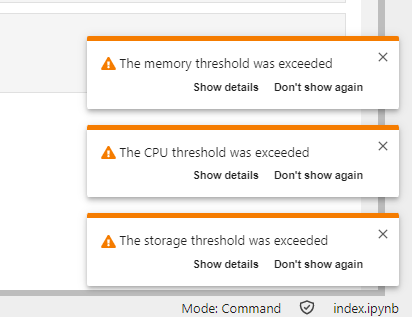
Figure 47 – Example of resources usage warning messages
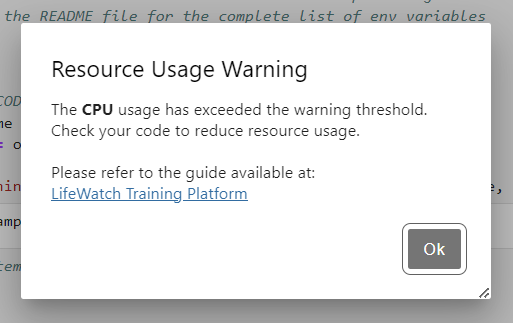
Figure 48 – Example of resource usage warning message - detail