7. Execution details
Aggregazione dei criteri
7.2 Input
To view this section, you need to:
1. click on the appropriate service record within the List of Services
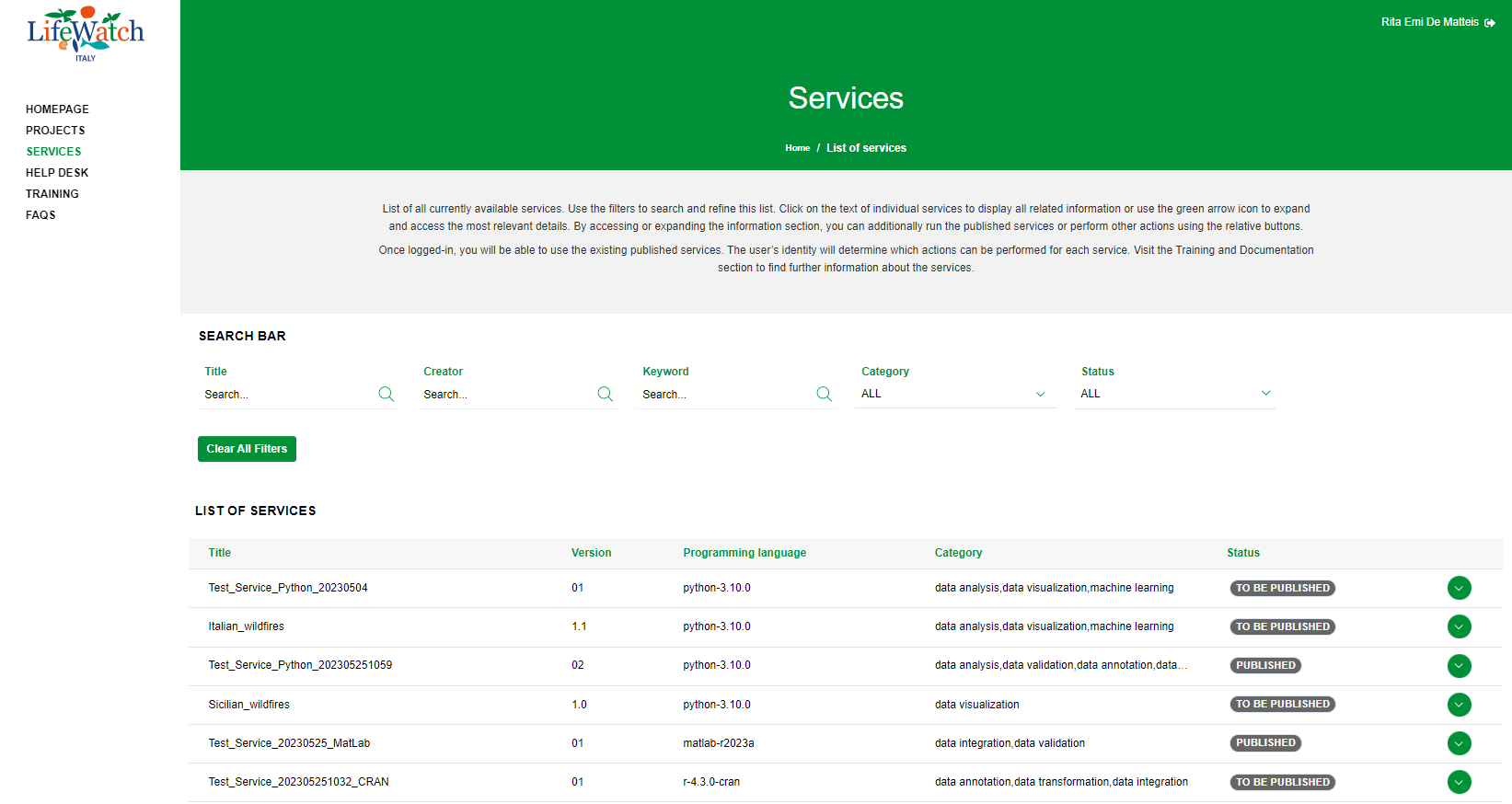
2. click on the Collapse icon to open the Execution accordion and click on the appropriate execution record
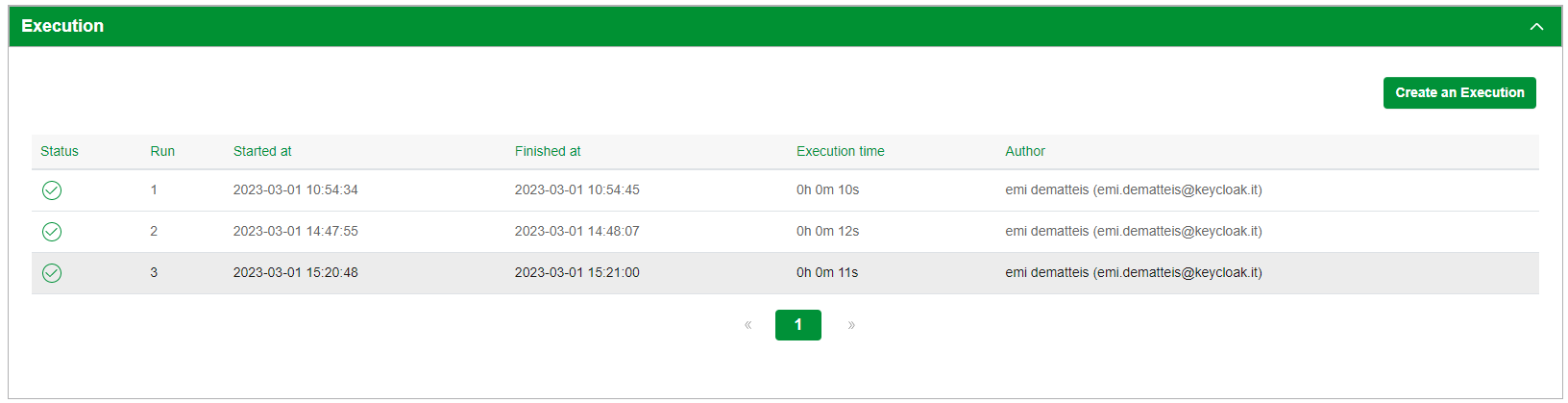
3. click on the Input accordion to see the information
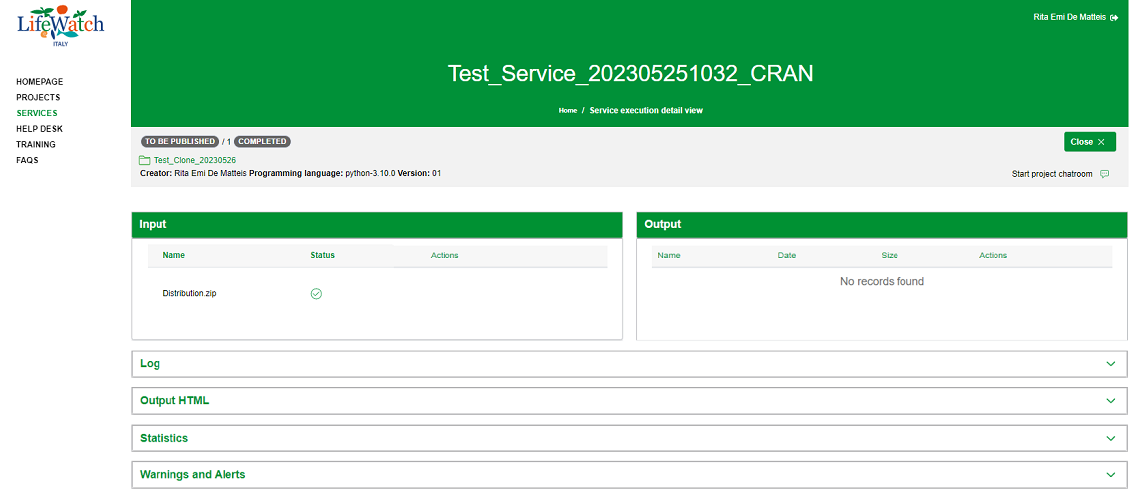
7.2 Input
The section shows the name of the input file(s) assigned in the related project and any actions available depending on the execution status. In particular, if the execution is:
- in Wait status the system allows you to upload an input file for each slot provided. Please note that:
- the slots show the input file names associated with the related project
- the input file names can not be changed
- the execution can not be launched if all the expected input files have not been uploaded
For further details, please refer to "Launch a service execution" paragraph.
- in Running and Completed status the system does not allow you to perform any action.