3. Project detail view
Aggregazione dei criteri
3.3 Info
In addition to the fields already described, in the "Info" section are also shown the data referring to:
- Training Resource: it is a text field that can contain a web link to a specific section defined externally to the platform and accessible within the LifeWatch Training platform;
- Working Group: it is a text field that can contain a web link to a section that the Project creator has previously created within the LifeWatch Community;
- Help Desk Topic: it is a text field that can contain a web link to a specific section defined externally to the platform and accessible within the Help Desk platform;
Please note that:
- all three fields are optional
- the string must respect the URL standards, such as:
- it must begin with protocol: HTTP(S) o FTP(S)
- it must have the domain
- they are editable until the related service is published
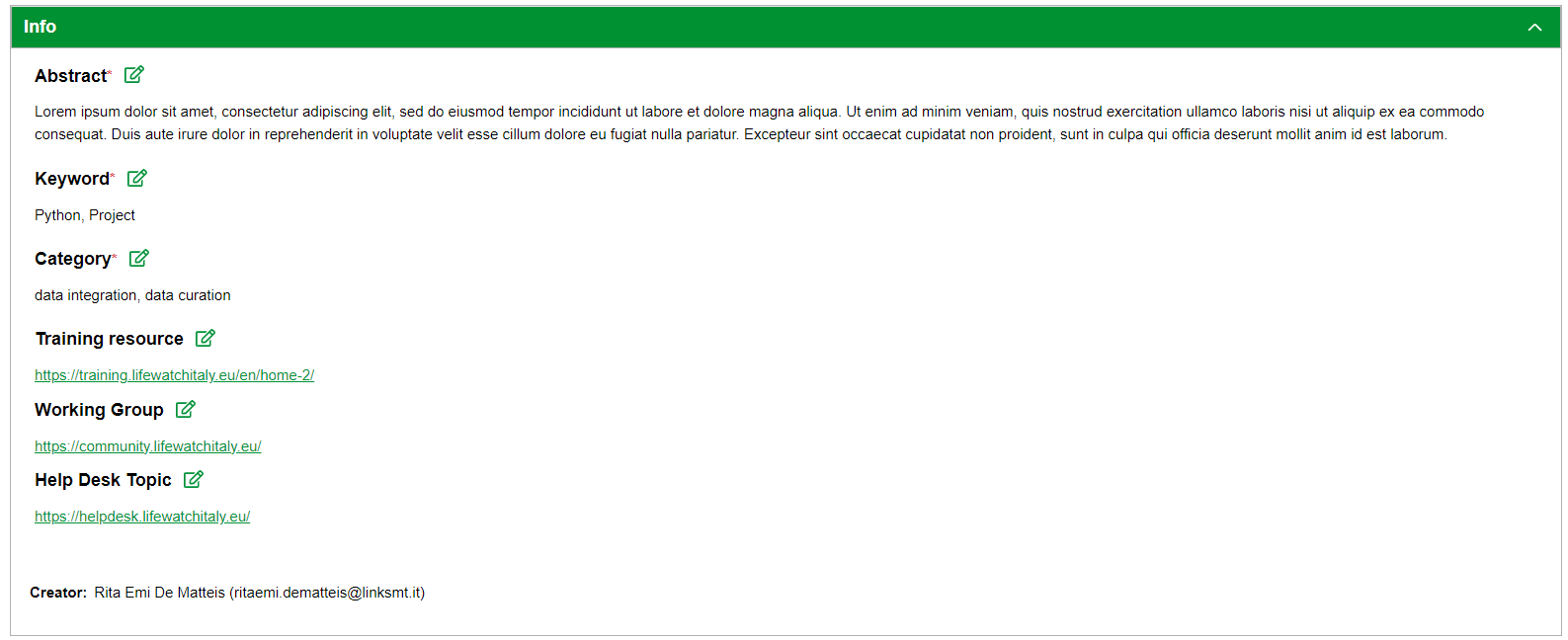
To edit the data, you need to:
1) click on the appropriate project record to edit within the List of Projects
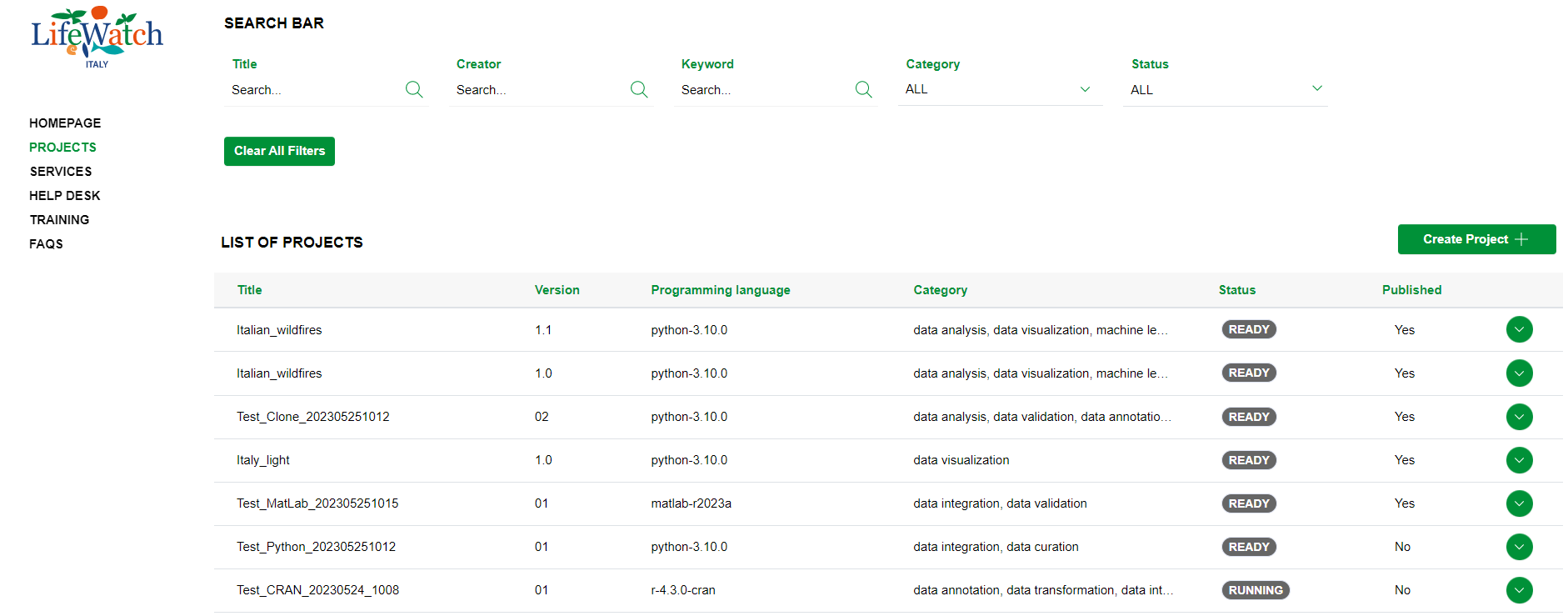
2) then on the Pencil icon
3) when you are finished editing your data, click on the Save button

Please note that these data are always editable only for Project creator and Researcher users which are part of the project team.