3. Project detail view
Completion requirements
3.4 Input file
This section is composed by two main area:
- in the first, you can use the table to:
- view the list of input files
- download an input file
- publish an input file, if the source is local
- delete an input file, if the script and/or service is not published yet
- in the second, you can add an input file
To view the list of input files, you need to:
1) click on the appropriate project record within the List of Projects
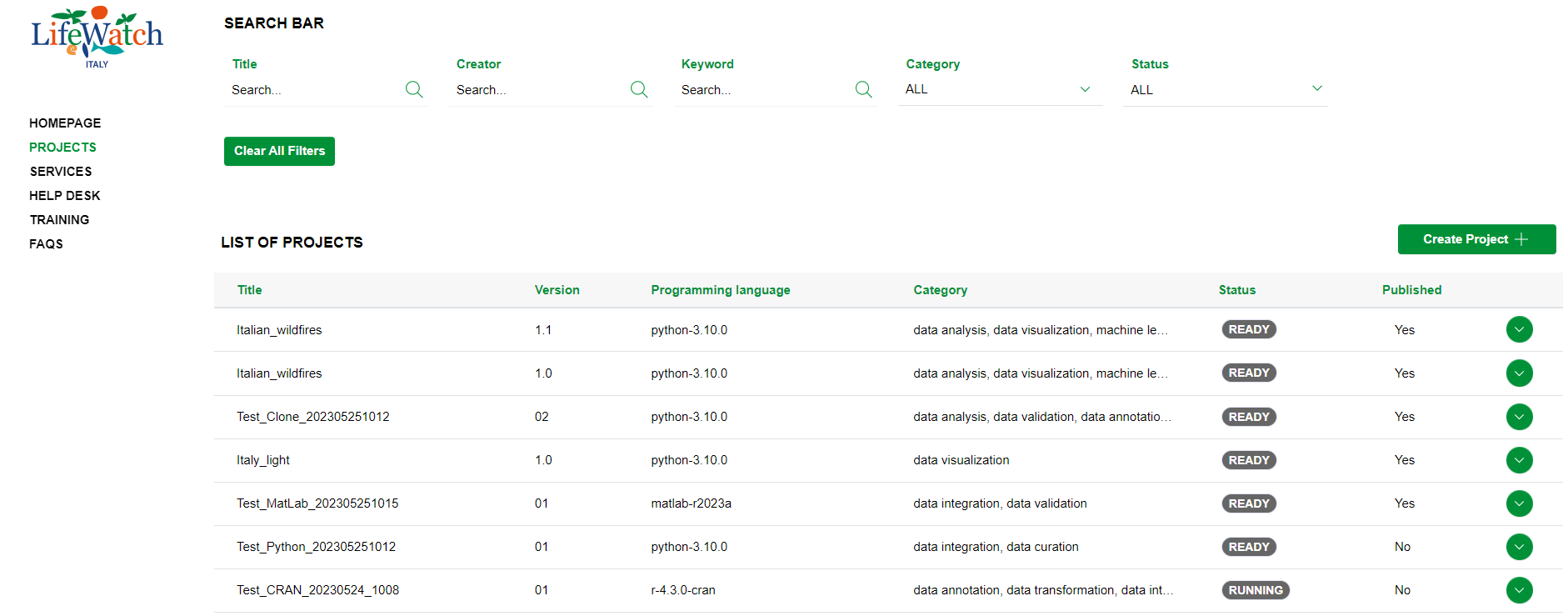
2) click on the Collapse icon to open the Input accordion
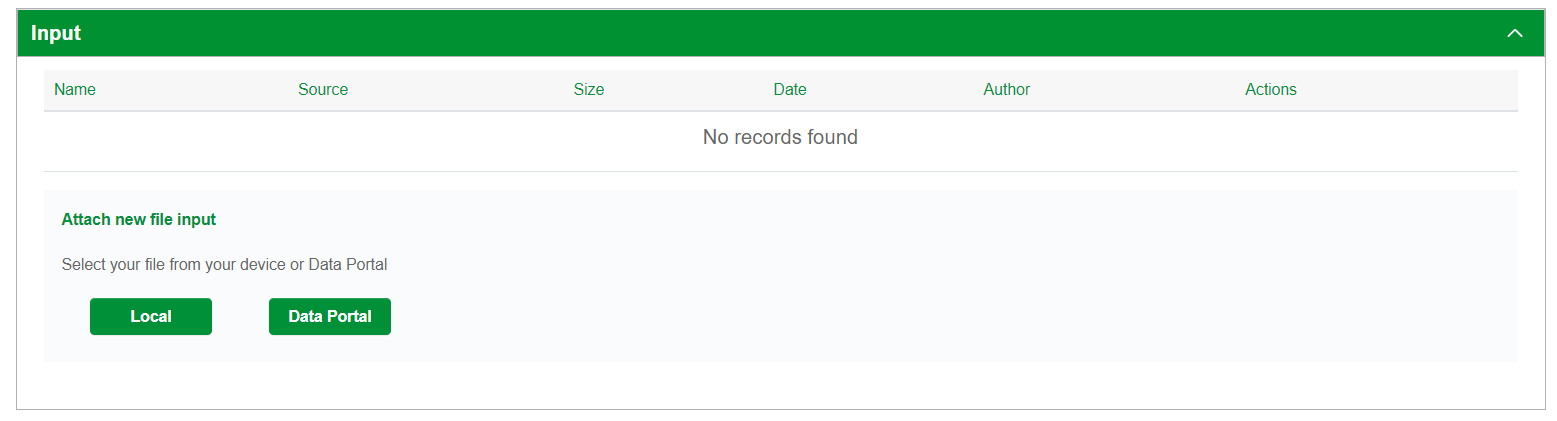
As mentioned before, in the first part of Input accordion, it is shown a table containing the list of input files referring to the project.