3. Project detail view
Completion requirements
3.5 Output file
This section is composed by a table where it's possible:
- view the list of output files
- download an output file
- publish an output file.
To view the list of output files, you need to:
1) click on the appropriate project record within the List of Projects
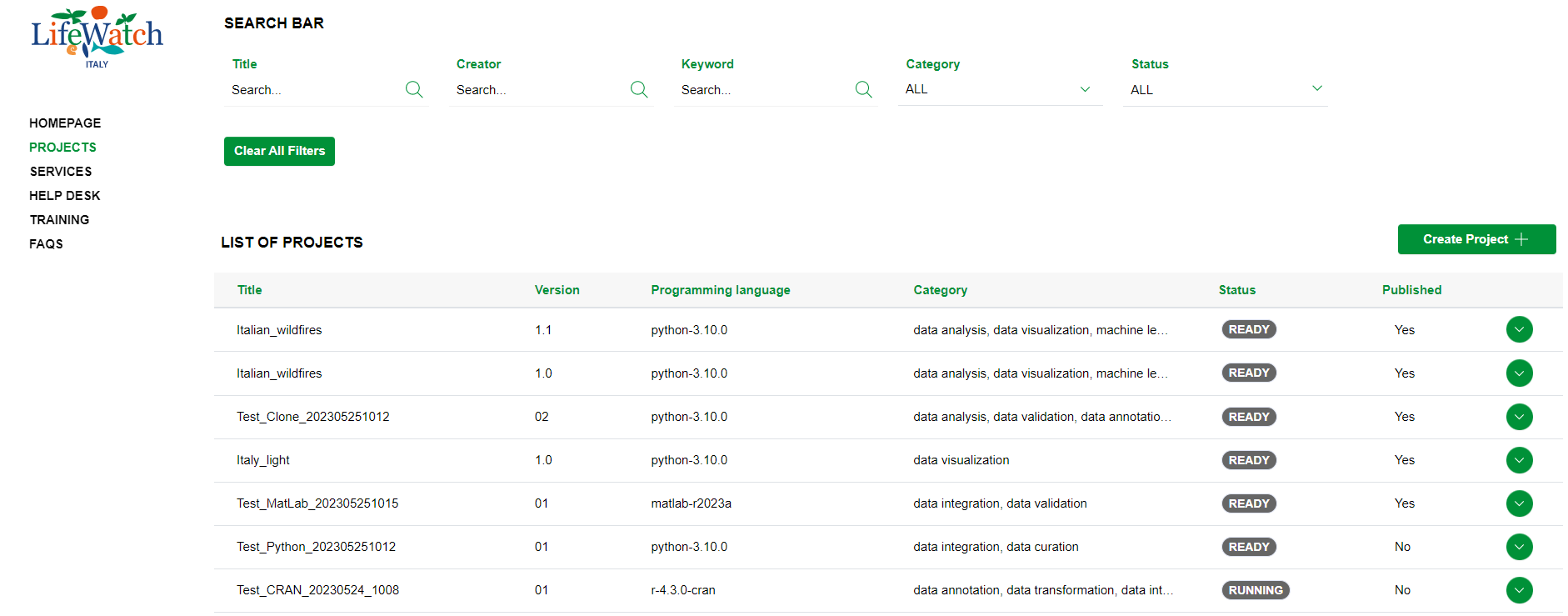
2) click on the Collapse icon to open the Output accordion

As mentioned before, it is shown a table containing any output files referring to the project. The output file(s) will only be displayed if a script has been run from the Jupyter environment providing for the elaboration of one or more output files.