3. Project detail view
Completion requirements
4.6 Warning and Alerts
This section reports any errors and/or alert generated by the execution of the project. The information reported refers, therefore, to the last instance of execution of the Integrated Development Environment (IDE).
The section will automatically update at the end of each execution. To access to Warnings and Alerts section, you need to:
1) click on the appropriate project record within the List of Projects
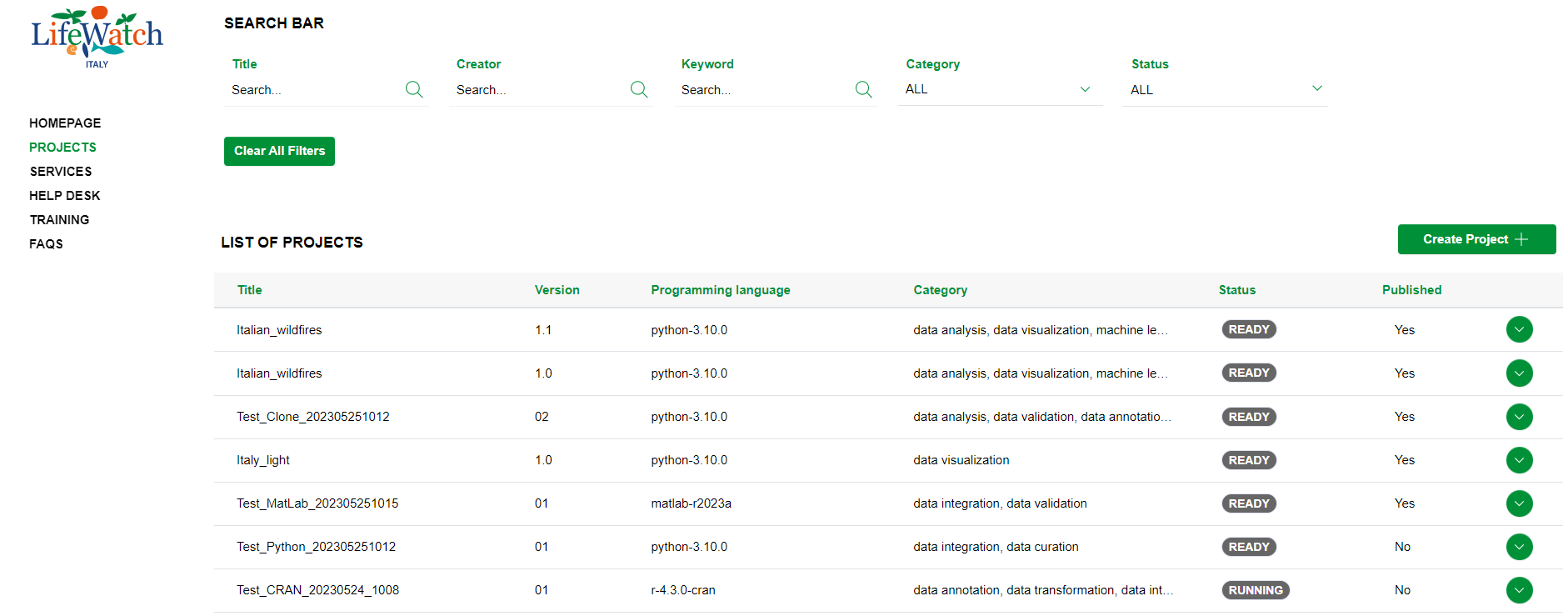
2) click on the Collapse icon to open the Warnings and Alerts accordion. Please note that if the project execution does not generate any warning and/or alert, the application will show the following view:
