3. Project detail view
Completion requirements
3.9 Provenance
In this section you can see all the projects cloned from the selected reference project. The provenance is represented through a tree chart. To access to Provenance section, you need to:
1) click on the appropriate project record within the List of Projects
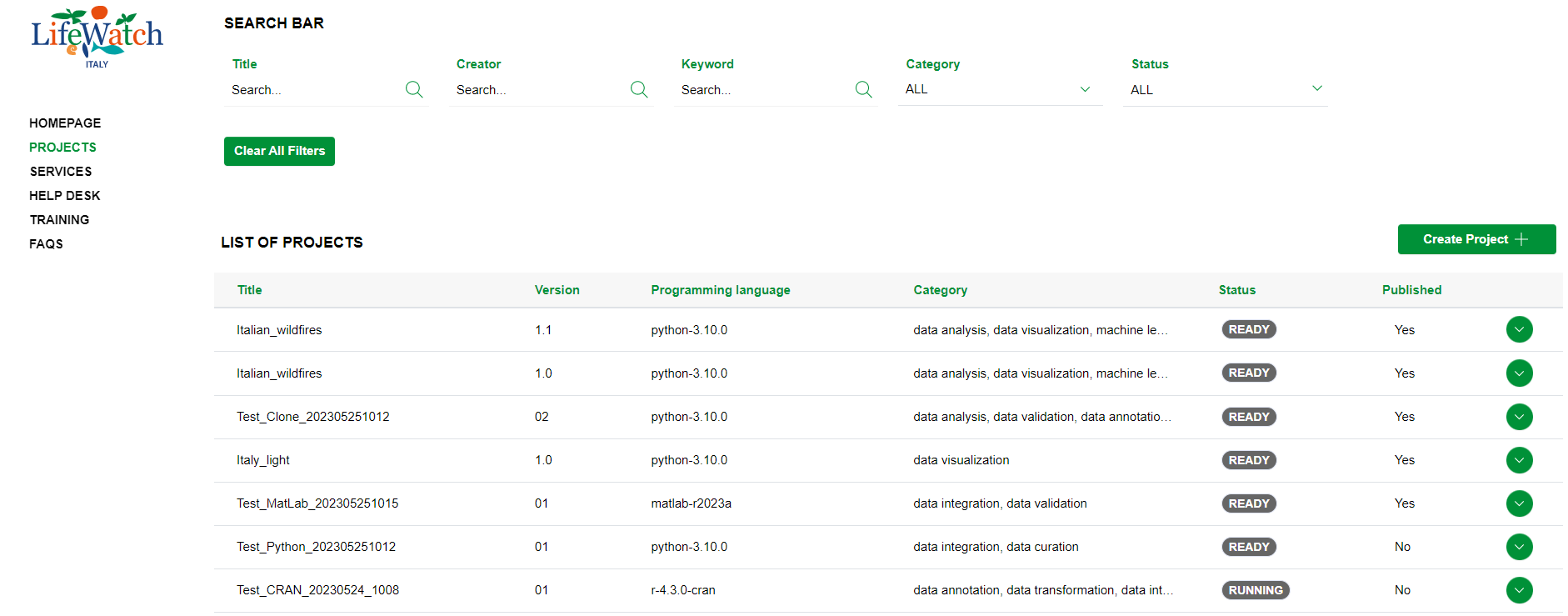
2) click on the Collapse icon to open the Provenance accordion
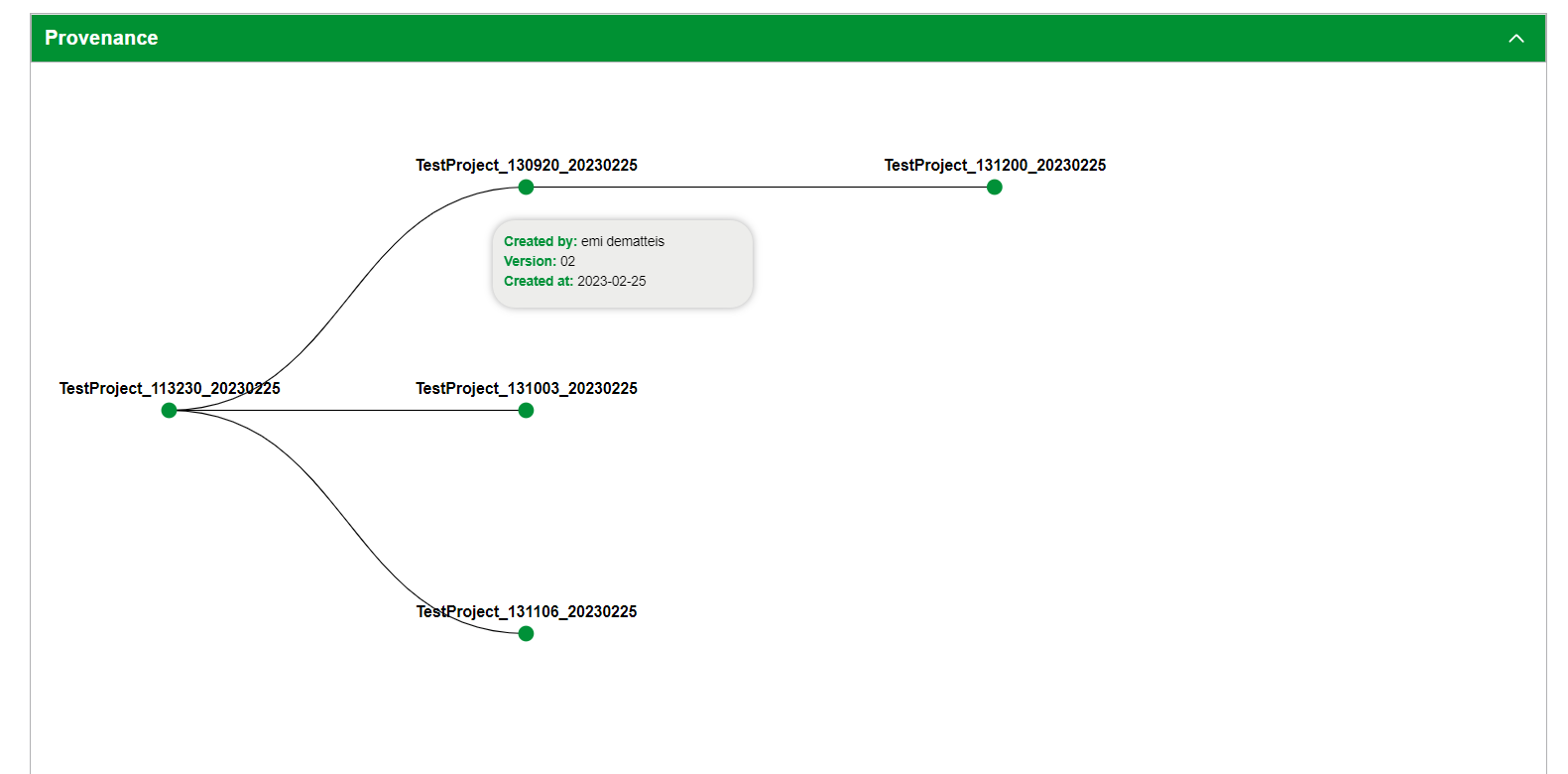
Please note that, if you click on a node, the application will show you the details of the selected project.