3. Project detail view
Completion requirements
3.4.2 Download the input file
To download an input file, you need to:
1. click on the appropriate project record within the List of Projects
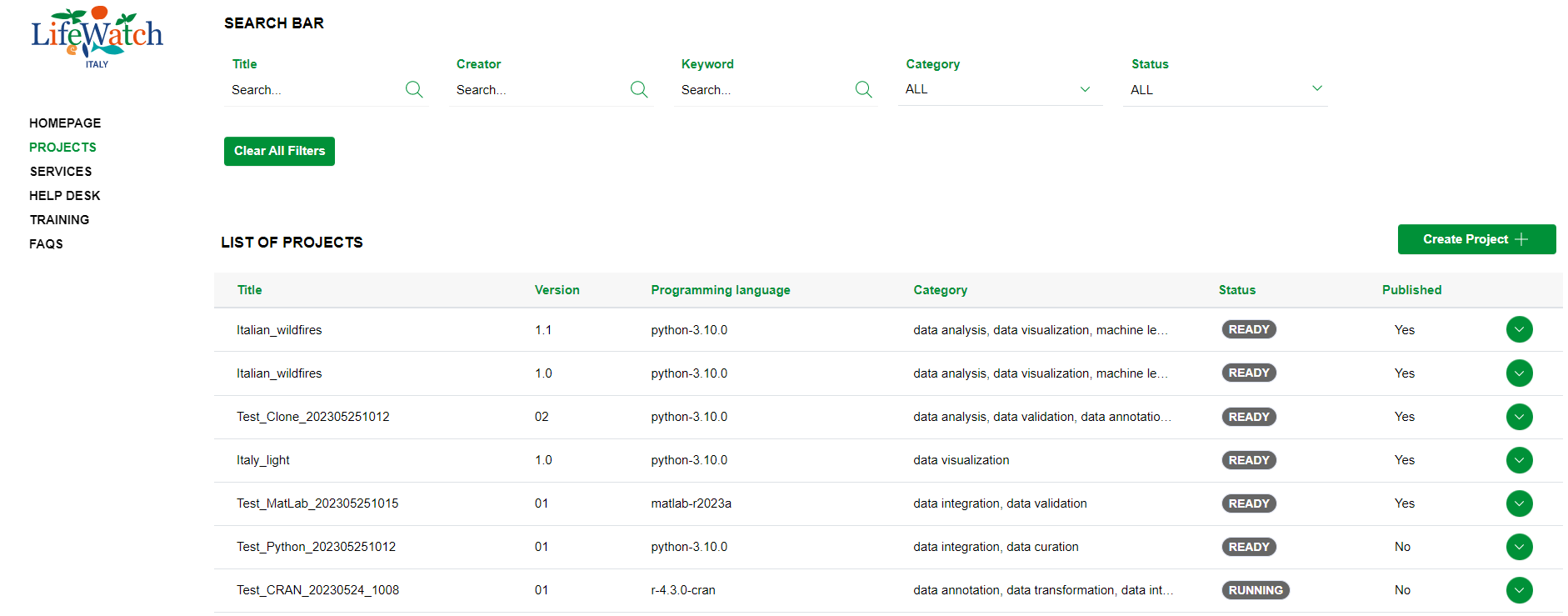
2. click on the Collapse icon to open the Input accordion
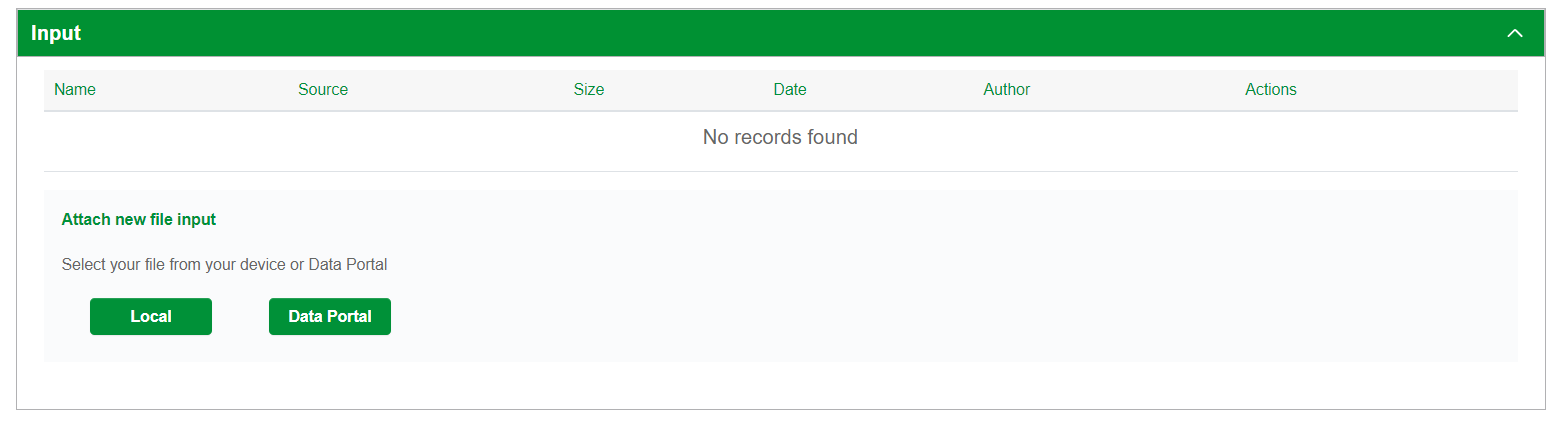
3. identify the input file to download and click on Download icon to download it
