3. Project detail view
Completion requirements
3.5.2 Publish the output file
To publish an output file, you need to:
1. click on the appropriate project record within the List of Projects
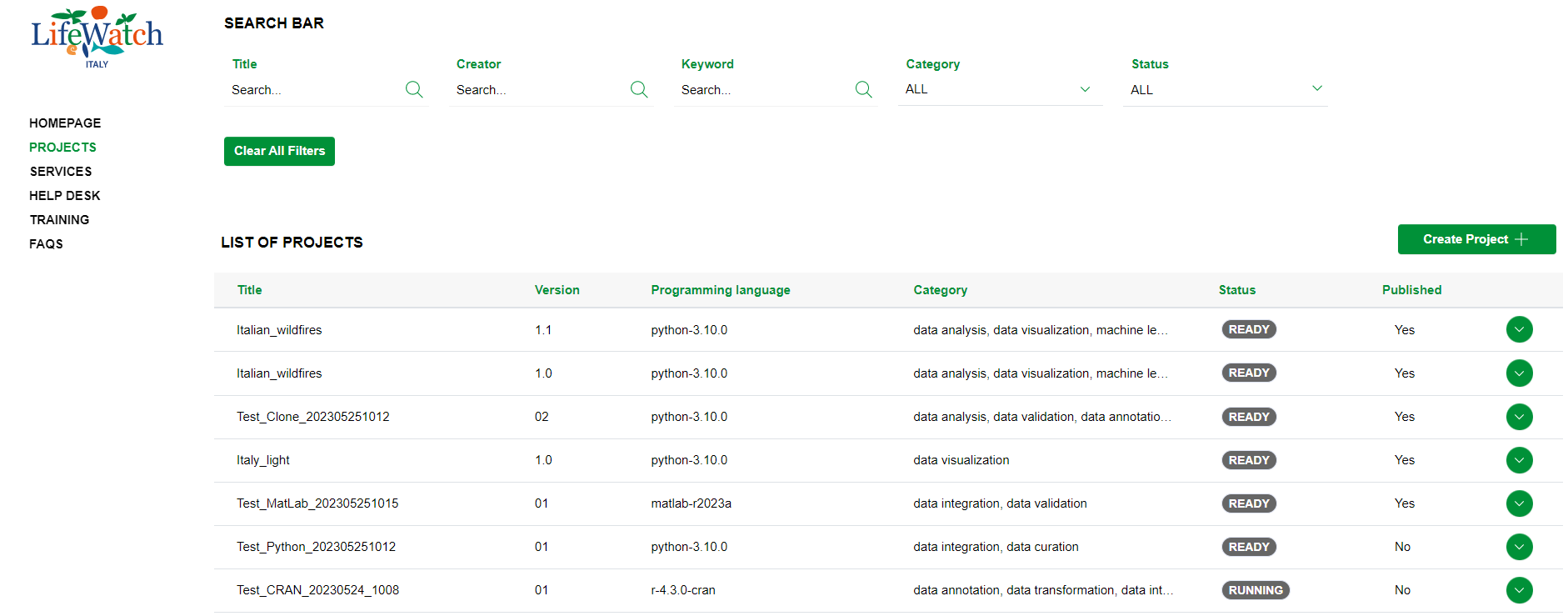
2. click on the Collapse icon to open the Output accordion

3. identify the output file to publish and click on the relevant icon; alternatively, the user can select the item "Publish a dataset" from the menu "Actions" available both in the details of the Dashboard and in the action bar of the details view of the project.

4. then it's necessary to follow the wizard of publication of the dataset (see further details in the relevant paragraph).