3. Project detail view
Completion requirements
3.7.1 Add a member
To add a new member to the project team, you need to:
1. click on the appropriate project record within the List of Projects
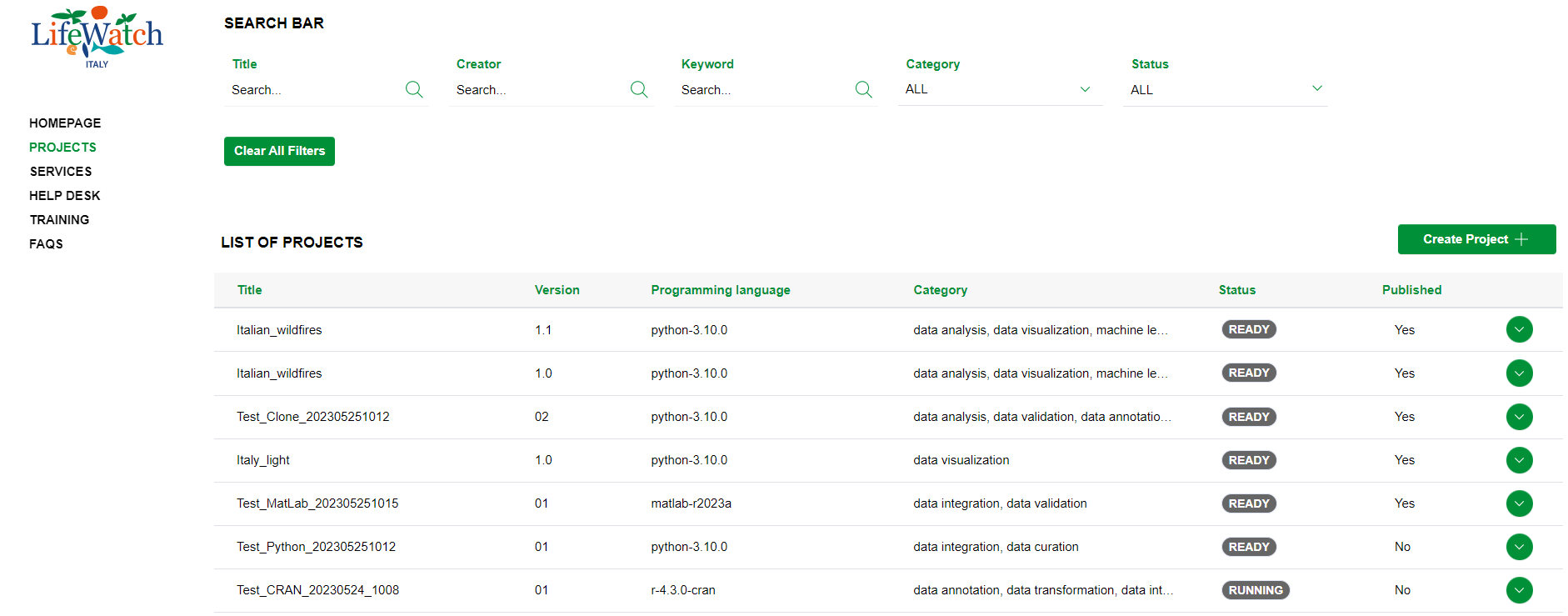
2. click on the Collapse icon to open the Team accordion

3. click on the relevant icon to add a new member

4. Insert email and name of the new member and click on the Save button

5. In the table shown in the first area, a new record is created with the new member added
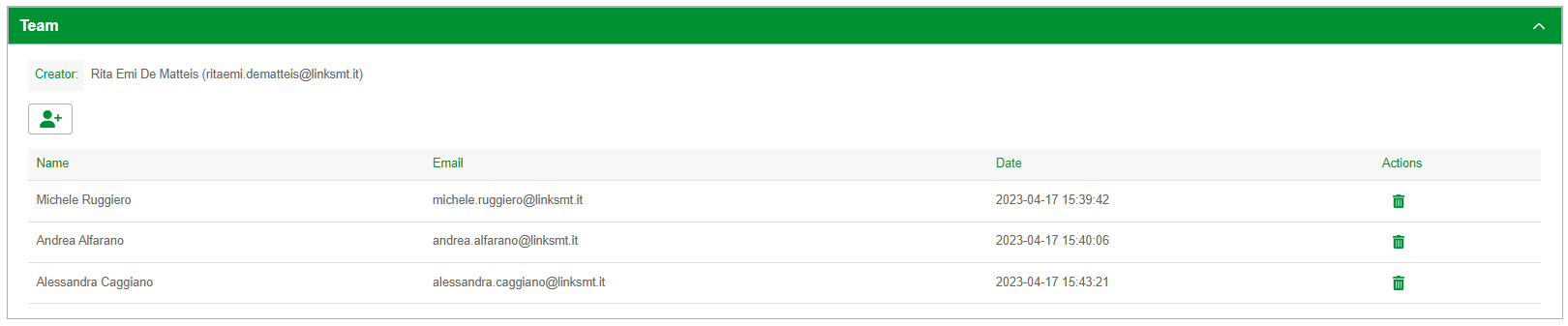
Please note that at the end of the procedure, the system generates a mail notification to the added user.