3. Project detail view
Completion requirements
3.7.2 Delete a member
To delete a member of the project team, you need to:
1. click on the appropriate project record within the List of Projects
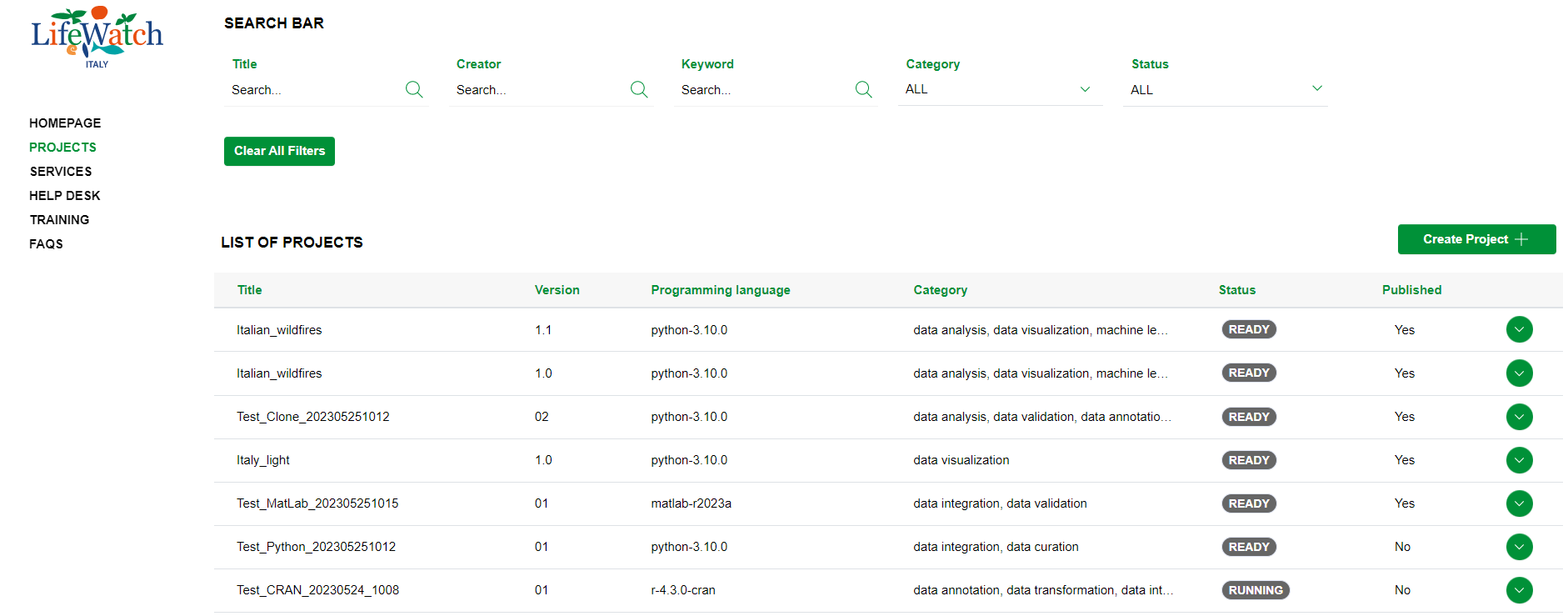
2. click on the Collapse icon to open the Team accordion

3. identify the member to delete and click on the relevant icon
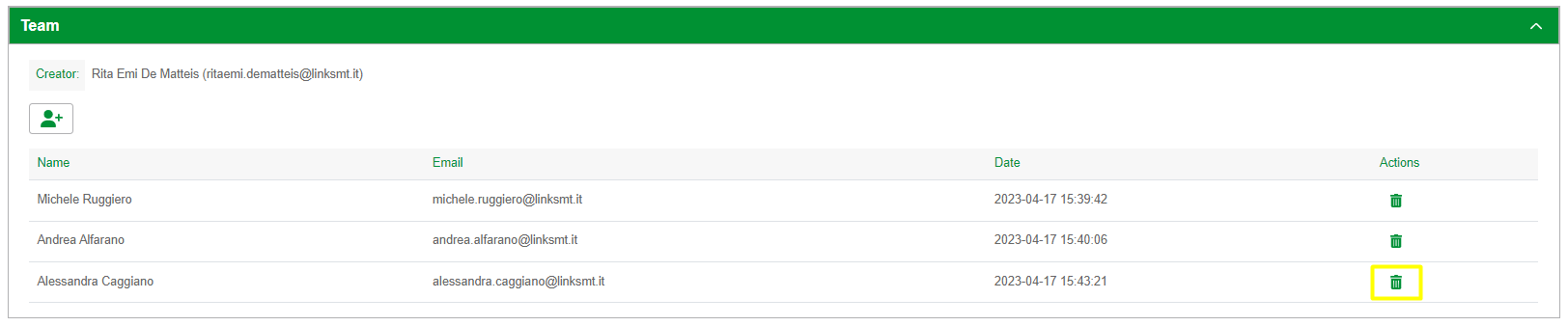
Please note: only the Project creator and Administrator can delete a member of a project team. Also note that at the end of the procedure the system generates a mail notification to the removed user.